[vc_row type= »in_container » full_screen_row_position= »middle » column_margin= »default » scene_position= »center » text_color= »dark » text_align= »left » overlay_strength= »0.3″ shape_divider_position= »bottom » bg_image_animation= »none »][vc_column column_padding= »no-extra-padding » column_padding_position= »all » background_color_opacity= »1″ background_hover_color_opacity= »1″ column_link_target= »_self » column_shadow= »none » column_border_radius= »none » width= »1/1″ tablet_width_inherit= »default » tablet_text_alignment= »default » phone_text_alignment= »default » overlay_strength= »0.3″ column_border_width= »none » column_border_style= »solid » bg_image_animation= »none »][vc_column_text]In order to further aid the new users on EON-XR brought in by EON Reality’s Global Emergency Initiative, we’ve developed an easy-to-follow Quick Start Video Guide to help even the most novice of users begin creating content in AR and VR.
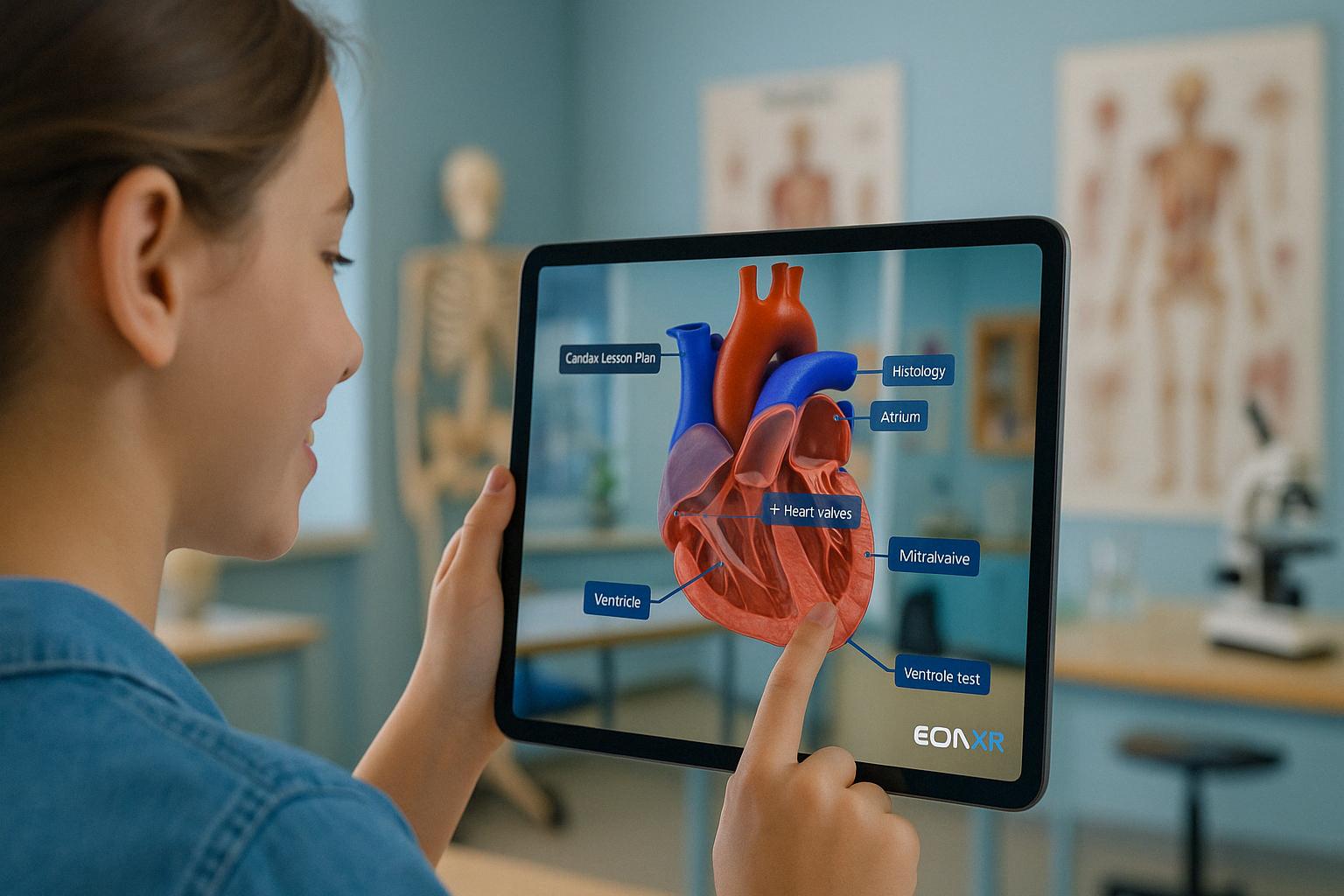
Focusing on lesson creation when using a smartphone or tablet, the step-by-step instructional guide will explain the entire development process in just under 8 minutes. Combined with the new removal of our paywall for the basic features of EON-XR as well as some of the latest technological updates, there’s never been a better time to try it out for yourself.
All you need to get started using the world’s largest AR and VR library for academic and workplace development is a smartphone or tablet and a stable internet connection. From there, feel free to go straight to the Quick Start Guide and let us walk you through it one step at a time.[/vc_column_text][/vc_column][/vc_row]